VPN
-
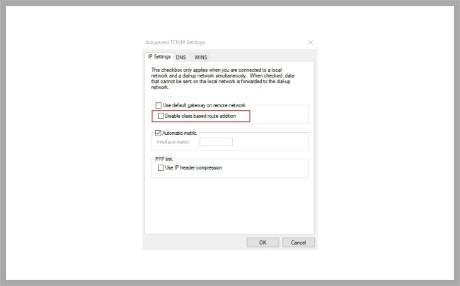
What to do when an Undesired route is added after VPN is up
After dialing up a VPN connection, the VPN client will get a virtual IP from the VPN server and add a corresponding route on its routing table. The route is usually the LAN network of the VPN server. For instance, if the VPN client gets an IP 192.168.66.100 and gets the netmask 255.255.255.0 with the DHCP Inform/Ack packet, it will add the route 192.168.66.0/24 via the VPN interface after the VPN is up.
more -
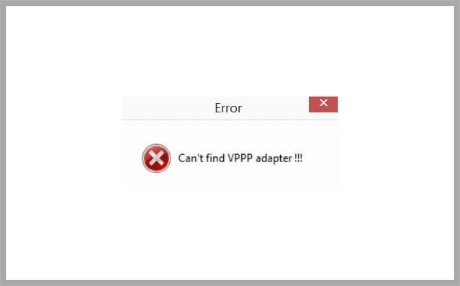
Solve the Can
DrayTek Smart VPN Client software for windows requires DrayTek Virtual PPP adapter to provide the SSL VPN service. The driver should be installed during Smart VPN Client software installation; however, if you see such error while establishing the SSL VPN connection, please follow the steps to resolve it.
more -
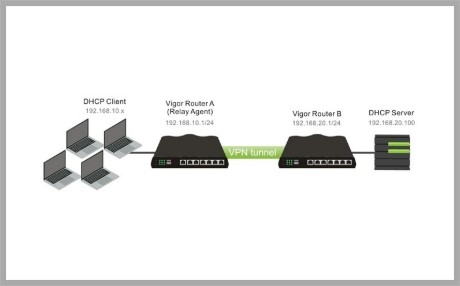
DHCP Relay over VPN
Vigor router can act as a DHCP Relay Agent once the DHCP Server is not on the local LAN( e.g. remote VPN network, WAN site). Therefore, router will forward the DHCP requests to the DHCP server. To be a DHCP Relay Agent when the DHCP Server is located on the VPN network site. Following steps will be necessary.
more -
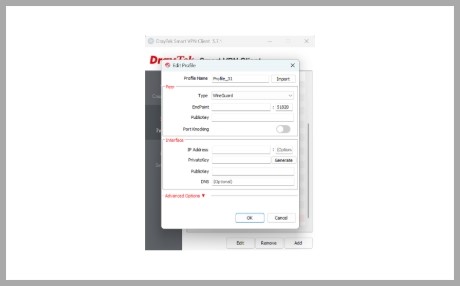
WireGuard VPN from Windows to Vigor Router
WireGuard is a secure, fast, and modern VPN Protocol. A WireGuard VPN connection is made by exchanging public keys and intends to be considerably more performant than OpenVPN. We support the new VPN protocol on Vigor2962/3910 routers since firmware version 4.3.1. This article will show how to establish a WireGuard VPN tunnel between Vigor3910 and Smart VPN Client.
more -
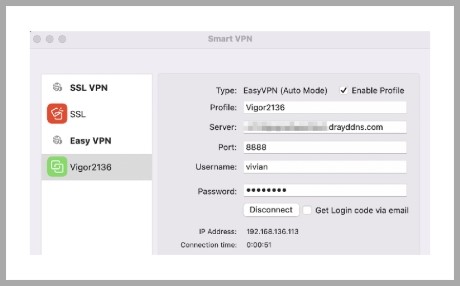
EasyVPN
Vigor Router supports various VPN protocols, including IPsec, WireGuard, and OpenVPN. With so many protocols and configuration options, general users may encounter difficulties in choosing the right one, face challenges during setup, or fail to establish a VPN connection due to environmental factors. To reduce these issues, Vigor Router has developed a new EasyVPN feature. With EasyVPN, users no longer need to generate WireGuard keys, import OpenVPN configuration files, or upload certificates.
more